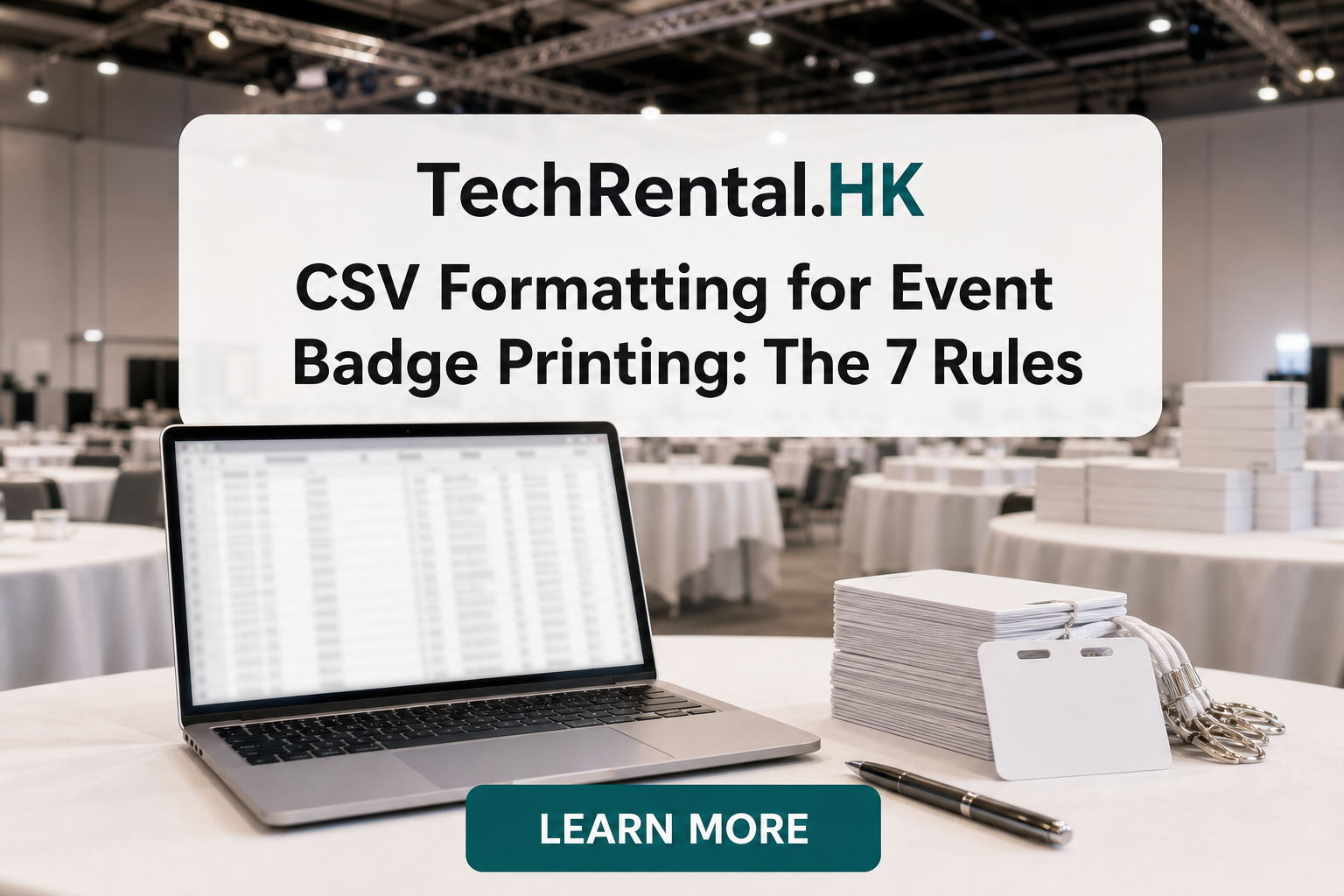
CSV Formatting for Event Badge Printing: The 7 Rules
A badly formatted CSV is the most common cause of delayed badge printing. These 7 rules will save you hours of troubleshooting on event day.
Rule 1: Use UTF-8 Encoding
Always save your CSV as UTF-8. This ensures accented characters (José, Müller, François), Chinese names, and special symbols print correctly.
How to check: Open the CSV in a text editor and look for the encoding option. In Excel, use Save As → CSV UTF-8.
Rule 2: One Attendee Per Row
Each row represents one attendee. No merged cells, no multi-line entries, and no blank rows between data.
Bad: ``` First Name,Last Name,Company John,Smith,Acme Inc
Jane,Doe,Widget Co ```
Good:
First Name,Last Name,Company
John,Smith,Acme Inc
Jane,Doe,Widget Co
Rule 3: Use Clear Column Headers
Name your columns clearly and consistently:
| Good | Bad |
|---|---|
First Name |
FN |
Last Name |
Surname |
Company |
Org |
Job Title |
Title (ambiguous) |
Rule 4: Separate First and Last Names
Never combine names in one field. Badge templates need them separate for formatting.
Bad: Name: John Smith
Good: First Name: John, Last Name: Smith
Rule 5: Handle Special Characters in Company Names
Company names often contain commas, ampersands, and quotes. These break CSV parsing.
Solution: Wrap fields in double quotes:
"Smith, Johnson & Co.",Director
Rule 6: Include a Unique Identifier
Every row needs a unique ID, confirmation number, badge ID, or email address. This prevents duplicates and makes reprints easy.
| Required Fields | Optional Fields |
|---|---|
| First Name | Company |
| Last Name | Job Title |
| Unique ID | Dietary Requirements |
| Registration Type |
Rule 7: Sort Before You Send
Sort your CSV alphabetically by last name before sending it to the printer. This makes physical badge organisation easier:
- Pre-printed badges can be arranged alphabetically at the registration desk
- Staff find names faster
- You spot duplicates and missing entries more easily
Bonus: Include a Test Row
Add a row with your own name at the top of the CSV. Print this badge first to verify the template, font size, and alignment before printing 500 badges.
Quick CSV Checklist
Before sending your CSV to the badge printer, confirm:
- [ ] UTF-8 encoding
- [ ] No blank rows
- [ ] Clear column headers
- [ ] First and last names separated
- [ ] Special characters escaped with quotes
- [ ] Unique ID column present
- [ ] Sorted alphabetically
- [ ] Test row included
Need help with CSV formatting? Upload your attendee list and our system validates and formats it automatically.
Need equipment for your next event?
TechRental.HK provides iPads, MacBooks, laptops, printers and WiFi routers for rent across Hong Kong.
Search
Recent Posts

![Hong Kong Complete Guide for Badge Printing: Custom ID, Event & Conference Badges Explained [2025-2026]](/images/blog/badge-printing-complete-guide-in-hong-kong.webp)
Categories
Related Articles
Top 5 iPad Rental Providers in Hong Kong (2026): Features, Pros & Cons Compared
Read More