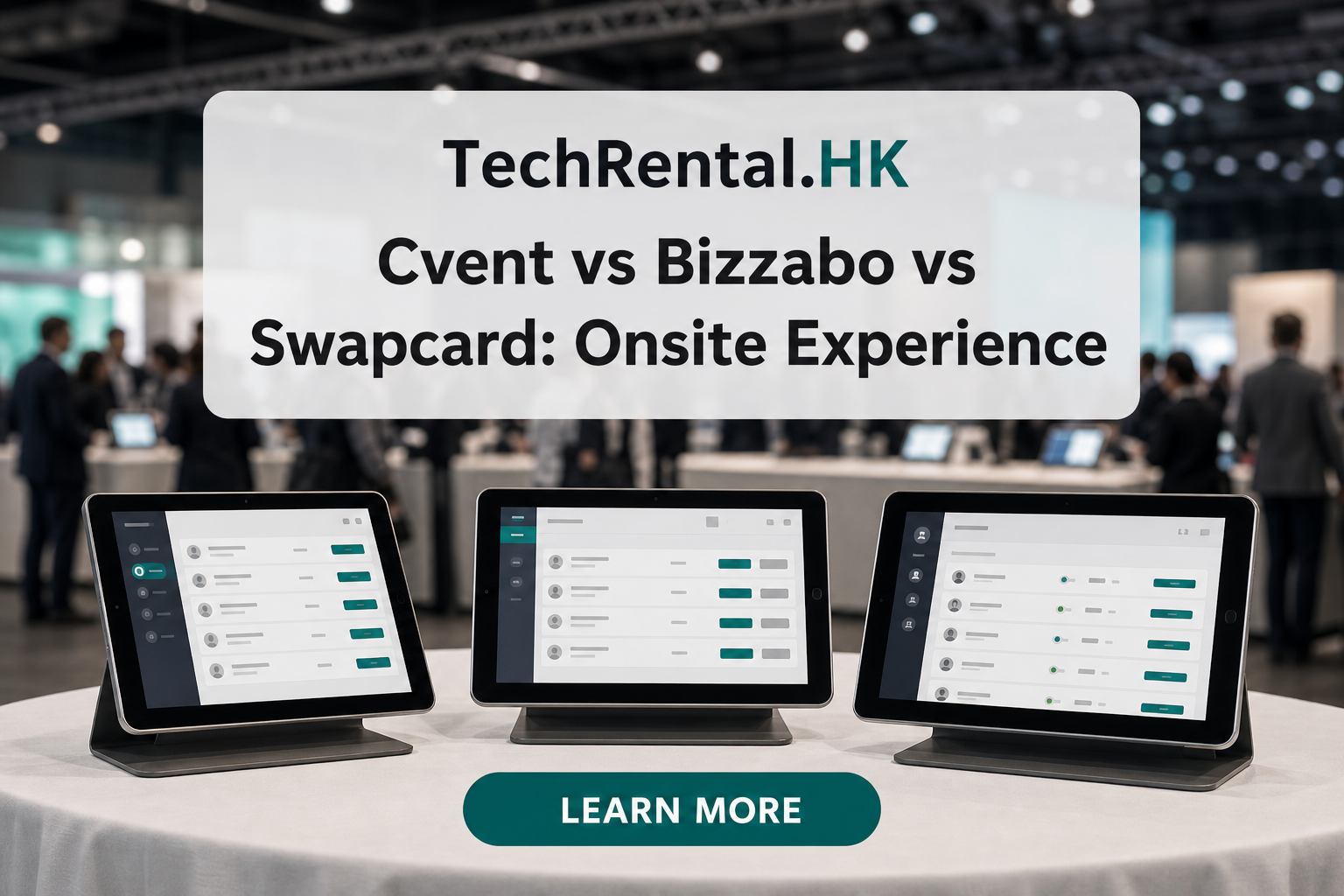
Cvent vs Bizzabo vs Swapcard: Onsite Badge Experience Compared
Cvent, Bizzabo, and Swapcard are three of the most popular event platforms. But their badge printing workflows differ significantly. Here's how they compare for onsite badge production.
Cvent
Cvent is the market leader for enterprise events. Its OnArrival check-in app supports badge printing through Zebra and Brother printers.
Badge Export
- Format: CSV or direct integration via OnArrival
- Fields: Name, company, title, registration type, QR code
- Custom fields: Supported, map any registration field to the badge
Onsite Workflow
- Attendees check in via OnArrival app
- Staff prints badge from connected Zebra printer
- Badge design managed in Cvent's badge designer
Printer Support
- Zebra ZD-series (recommended)
- Brother QL-series
- Dymo LabelWriter (limited)
Pros
- Mature badge printing workflow
- Large printer compatibility list
- Strong QR code generation
Cons
- Badge designer is basic, advanced designs need external tools
- OnArrival requires internet connectivity
Bizzabo
Bizzabo targets mid-market and tech events. Its Klik smart badges use NFC, but standard badge printing is also supported.
Badge Export
- Format: CSV export from attendee list
- Fields: Name, company, role, ticket type, custom questions
- API access: Available for custom integrations
Onsite Workflow
- Export attendee list as CSV
- Import into external badge printing software
- Print badges at registration desk
Printer Support
- Any printer supported by your badge software
- No native printer integration
Pros
- Flexible badge design (use any design tool)
- Strong API for custom workflows
- Great for branded, design-heavy badges
Cons
- No native badge printing, requires third-party software
- More technical setup
Swapcard
Swapcard focuses on matchmaking and networking. Badge printing is supported but secondary to its app-based networking features.
Badge Export
- Format: CSV or Excel from admin dashboard
- Fields: Name, company, job title, interests, QR code
- Badge design: Limited native options
Onsite Workflow
- Export attendee list before event
- Design badges externally
- Print via mail-merge or dedicated badge software
Printer Support
- Any printer (no native integration)
- QR codes work with any scanner
Pros
- Strong networking features
- QR codes integrate well with lead retrieval
- Simple export process
Cons
- Weakest native badge support of the three
- Requires most external setup
Comparison Summary
| Feature | Cvent | Bizzabo | Swapcard |
|---|---|---|---|
| Native badge printing | Yes | No | No |
| Badge design flexibility | Low | High | Low |
| Printer integration | Built-in | Third-party | Third-party |
| QR code quality | High | High | Medium |
| Setup complexity | Low | Medium | Medium |
| Best event size | 500+ | 100-1,000 | 100-500 |
Which Platform for Badge Printing?
Choose Cvent if: - You want the simplest setup - Your team isn't technical - You're printing 500+ badges
Choose Bizzabo if: - Badge design is a priority - You have technical staff - You want full creative control
Choose Swapcard if: - Networking is your primary goal - Badge printing is secondary - You have a simple badge design
Hardware Works With All Three
The good news: badge printers don't care which platform you use. A Zebra ZD621 prints the same badge whether your data comes from Cvent, Bizzabo, or Swapcard. The difference is in the export and setup process.
Need help connecting your platform to badge printers? Request a quote and we'll handle the CSV mapping, template setup, and printer configuration.
Need equipment for your next event?
TechRental.HK provides iPads, MacBooks, laptops, printers and WiFi routers for rent across Hong Kong.
Search
Recent Posts
![Hong Kong Complete Guide for Badge Printing: Custom ID, Event & Conference Badges Explained [2025-2026]](/images/blog/badge-printing-complete-guide-in-hong-kong.webp)
Categories
Related Articles
Top 5 iPad Rental Providers in Hong Kong (2026): Features, Pros & Cons Compared
Read More