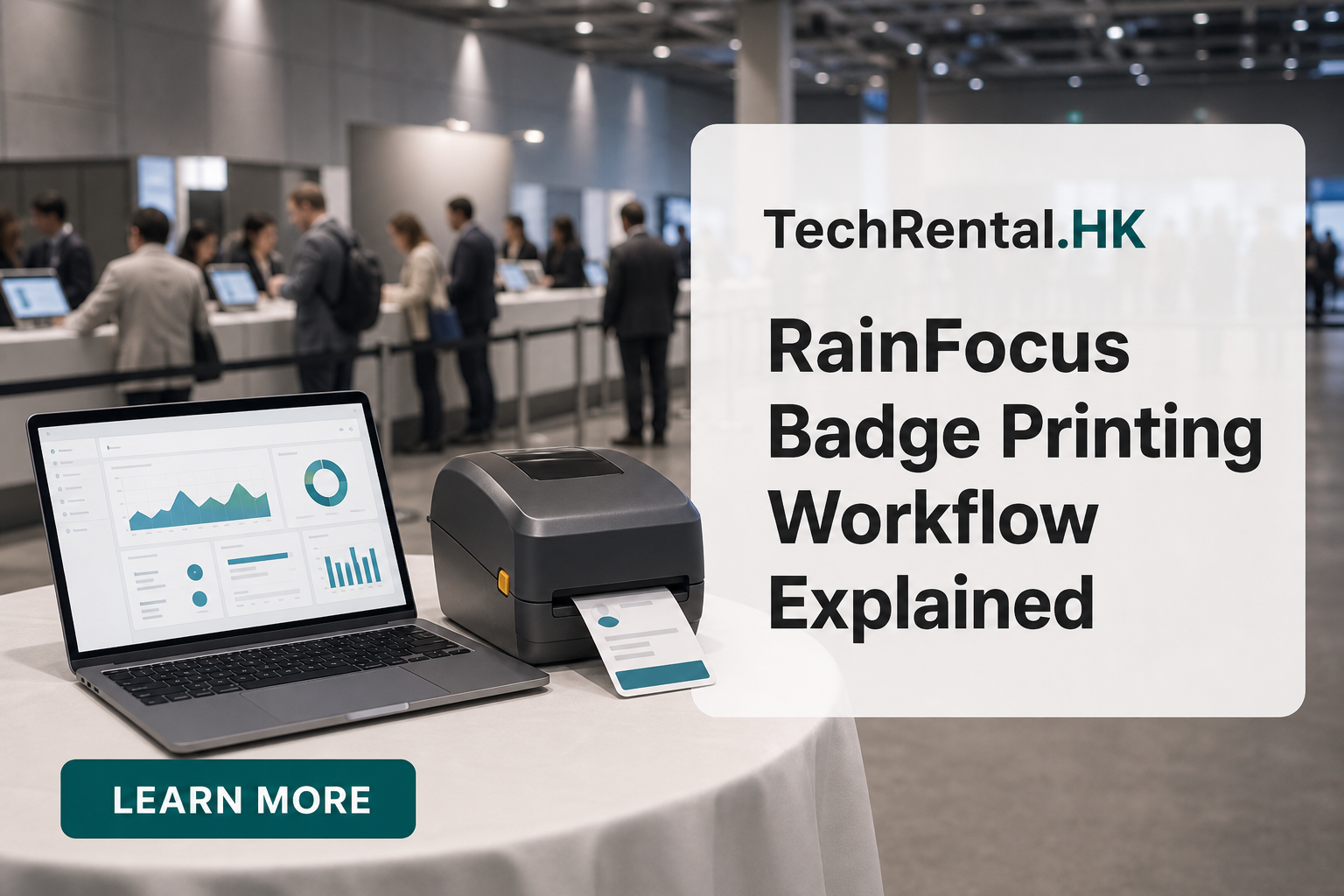
RainFocus Badge Printing Workflow Explained
RainFocus is the platform of choice for enterprise tech conferences. Its session-tracking and lead-retrieval features are powerful, but the badge printing workflow is less documented. Here's how to connect RainFocus to your onsite badge printers.
Understanding RainFocus Badge Data
RainFocus stores attendee data in a structured format. For badge printing, you need three types of data:
- Profile data: Name, company, title
- Registration data: Pass type, sessions, dietary requirements
- Badge data: Badge ID, QR code, check-in status
Step 1: Export Attendee Data from RainFocus
- Log into RainFocus Admin
- Go to Attendees → All Attendees
- Click Export → Custom Export
- Select these fields:
- First Name
- Last Name
- Company Name
- Job Title
- Registration Type
- Badge ID
- QR Code Value
- Check-in Status
- Export as CSV
Step 2: Prepare the Badge Template
RainFocus supports badge design within the platform, but most organisers design externally and import:
- Design in Adobe Illustrator or Canva
- Leave text fields as placeholders:
{{FirstName}},{{Company}} - Add the QR code field:
{{QRCodeValue}} - Export as PDF or PNG template
Step 3: Map Data to Printer
For Zebra printers (the most common choice for RainFocus events):
- Convert the badge design to ZPL (Zebra Programming Language)
- Use the ZPL template with variable fields for name, company, and QR code
- Merge the RainFocus CSV with the ZPL template using label software
Step 4: Onsite Printing Setup
RainFocus events are typically large (500-5,000+ attendees). Onsite printing is standard:
- Pre-print VIP badges the night before
- Print general attendee badges in batches during setup
- Reprint damaged or lost badges at the registration desk
- Print walk-in registrations as they arrive
Printer Recommendations for RainFocus Events
| Event Size | Printer Setup |
|---|---|
| 500-1,000 | 2× Zebra ZD621 + 1 backup |
| 1,000-3,000 | 3-4× Zebra ZD621 + 1 backup |
| 3,000+ | 5-6× Zebra ZD621 + 2 backups, multiple stations |
Tips for RainFocus Badge Printing
- Test QR codes. RainFocus QR codes sometimes contain long URLs. Verify they scan correctly at badge size.
- Session badges. If attendees have different sessions, consider colour-coded badge stock.
- Lead retrieval integration. RainFocus lead retrieval scans the same QR code printed on the badge. Make sure the print resolution is at least 300 dpi for reliable scanning.
Running a RainFocus event in Hong Kong? Request a badge printing quote and we'll handle the ZPL template, printer setup, and onsite support.
Need equipment for your next event?
TechRental.HK provides iPads, MacBooks, laptops, printers and WiFi routers for rent across Hong Kong.
Search
Recent Posts
![Hong Kong Complete Guide for Badge Printing: Custom ID, Event & Conference Badges Explained [2025-2026]](/images/blog/badge-printing-complete-guide-in-hong-kong.webp)
Categories
Related Articles
Top 5 iPad Rental Providers in Hong Kong (2026): Features, Pros & Cons Compared
Read More