Self-Service Kiosks for Onsite Check-In: A Comparison Guide
Self-service kiosks reduce registration desk queues and free your staff to handle exceptions. But not all kiosks are equal. This guide compares the three main approaches used at Hong Kong events.
Option 1: iPad on Stand
The simplest kiosk. An iPad mounted on a floor stand, running your check-in app. Attendees tap, search their name, and a staff member prints their badge at a nearby printer.
Pros: - Lowest cost, rent iPads you already use for other purposes - Flexible, move kiosks anywhere during the event - Familiar interface, attendees know how to use an iPad
Cons: - No integrated printer, badge printing is separate - Requires WiFi or cellular connection - Not truly self-service if a staff member handles printing
Throughput: 40-60 check-ins per hour per unit
Best for: Small events (under 300 attendees), budget-conscious organisers, events with simple guest lists.
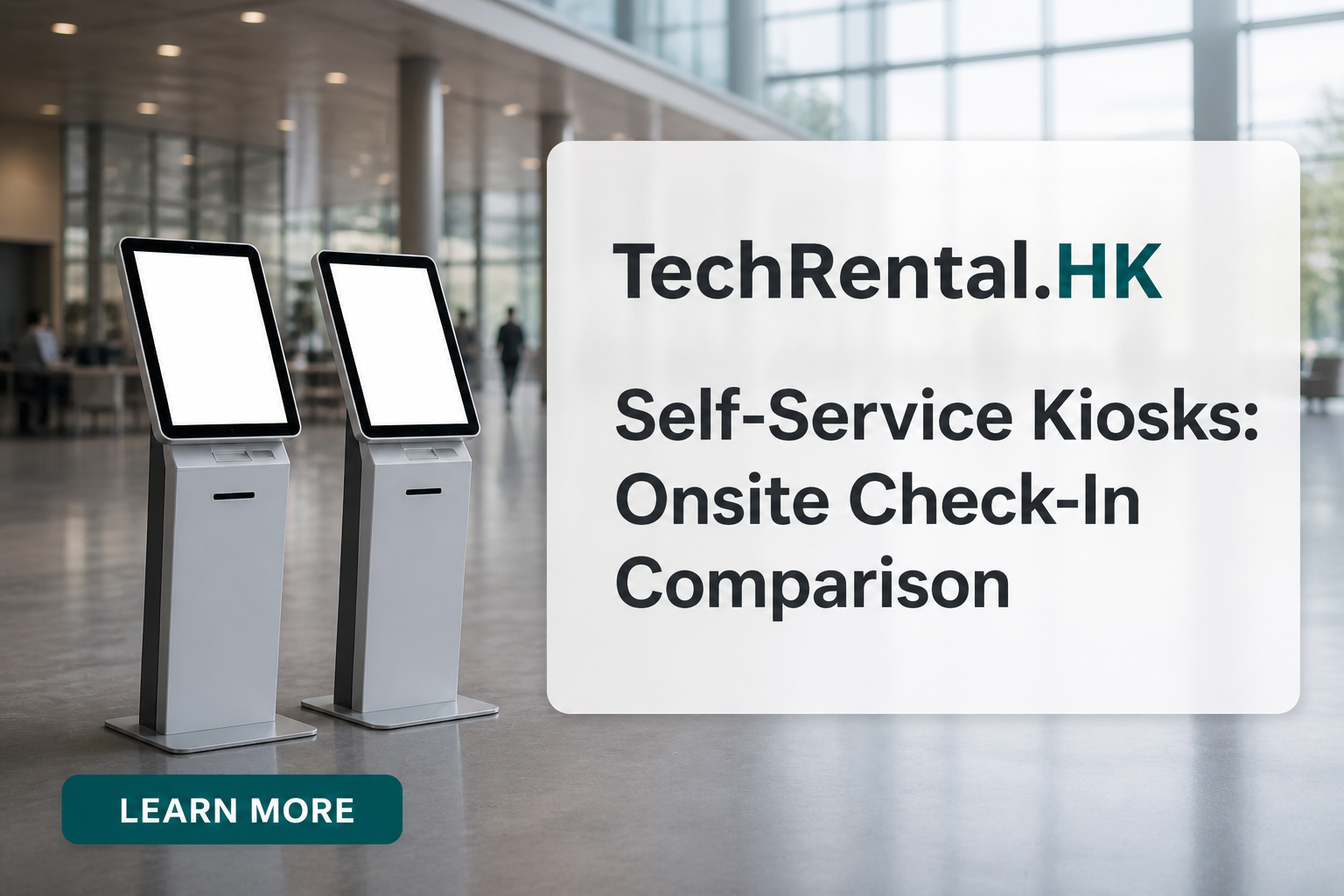
Option 2: Integrated Check-In Kiosk
A dedicated kiosk unit with a built-in thermal printer. Attendees search, confirm, and the badge prints immediately from the same device.
Typical specs: - Integrated Brother QL or Zebra thermal printer - 10-15" touchscreen - Standalone operation (works offline, syncs later) - Brandable welcome screen
Pros: - True self-service, no staff intervention needed - Fast, badge prints in 2-3 seconds - Professional appearance
Cons: - Higher rental cost - Longer lead time (3-4 weeks) - Heavier and less portable than iPads
Throughput: 100+ check-ins per hour per unit
Best for: Large conferences (500+ attendees), trade shows with multiple entry points, events where staff costs are a concern.
Option 3: Mobile Check-In (Staff-Operated)
Staff walk the queue with iPads or handheld scanners, checking in attendees before they reach the desk. Badges are pre-printed or printed at a central station.
Pros: - Eliminates queues entirely - Personal touch, staff greet attendees by name - No hardware rental needed beyond tablets
Cons: - Requires more staff, not fewer - Pre-printed badges mean no last-minute changes
Throughput: Depends on staff count
Best for: VIP events, gala dinners, and occasions where personal service matters more than speed.
Comparison Summary
| Factor | iPad on Stand | Integrated Kiosk | Mobile Check-In |
|---|---|---|---|
| Cost per unit/day | HKD 220 to 320 | HKD 1,300 to 2,200 | HKD 220 to 320 (iPad only) |
| Check-ins/hour | 40-60 | 100+ | Variable |
| Staff needed | Low | None | High |
| Lead time | 1-3 days | 3-4 weeks | 1-3 days |
| Best event size | 50-300 | 300-2,000+ | Any |
Need help choosing? Tell us about your event and we'll recommend the right kiosk setup.
Need equipment for your next event?
TechRental.HK provides iPads, MacBooks, laptops, printers and WiFi routers for rent across Hong Kong.
Search
Recent Posts
![Hong Kong Complete Guide for Badge Printing: Custom ID, Event & Conference Badges Explained [2025-2026]](/images/blog/badge-printing-complete-guide-in-hong-kong.webp)
Categories
Related Articles
Top 5 iPad Rental Providers in Hong Kong (2026): Features, Pros & Cons Compared
Read More